
Download FireGestures – mouse gestures for Firefox, free navigation tool
Overview
FireGestures is a free Firefox extension that turns ordinary mouse movements into powerful navigation commands. By holding the right mouse button and drawing a simple pattern—left‑to‑right, up‑to‑down, or any custom shape—you can switch tabs, reload pages, open links in background tabs, or even control window size without touching the keyboard. The concept is simple: replace repetitive clicks and keyboard shortcuts with intuitive gestures that feel natural once you get the hang of them.
For users who spend a lot of time browsing, this can shave seconds off everyday tasks and reduce the strain of constant keyboard use. FireGestures ships with a solid set of default gestures that cover the most common actions, and it also offers a script editor for power users who want to create or modify gestures to fit their workflow. Recent updates have fixed several bugs, added Romanian localization, and improved compatibility with Firefox’s latest releases, ensuring a smooth experience across Windows, macOS, and Linux.
Whether you’re a web developer juggling multiple tabs, a researcher scrolling through articles, or just a casual surfer looking for a more fluid browsing experience, FireGestures promises a hands‑free way to stay in control of Firefox.
Key Features
- Pre‑installed gestures for navigation, tab management, and page actions.
- Custom gesture creation via an integrated script editor.
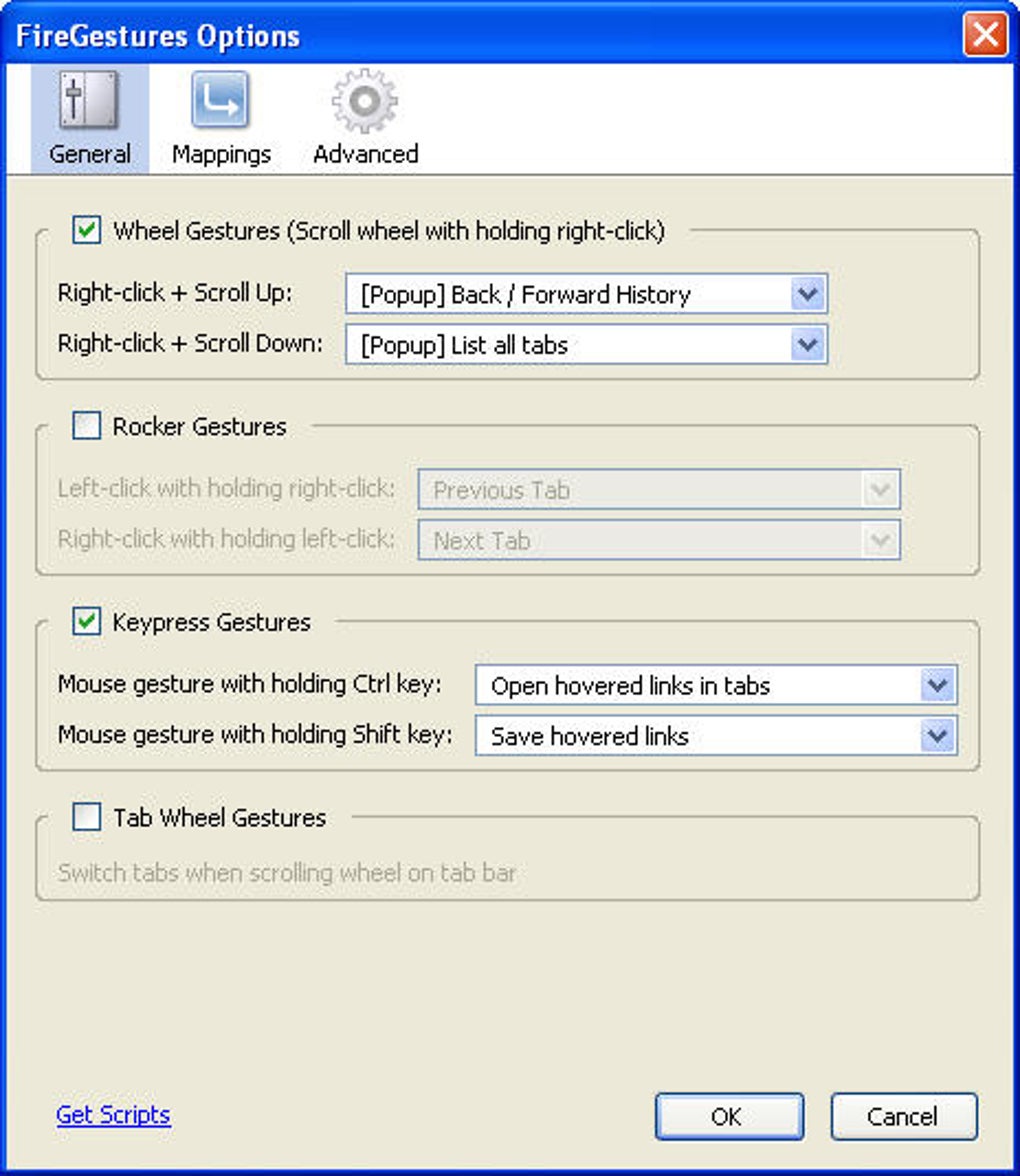
- Ability to bind gestures to keyboard shortcuts or mouse wheel actions.
- Support for multiple languages, including Romanian localization.
- Bug‑fix updates that prevent gestures in print preview mode and ensure rocker gestures work reliably.
- Lightweight design that does not noticeably affect Firefox performance.
- Secure, open‑source code that respects user privacy.
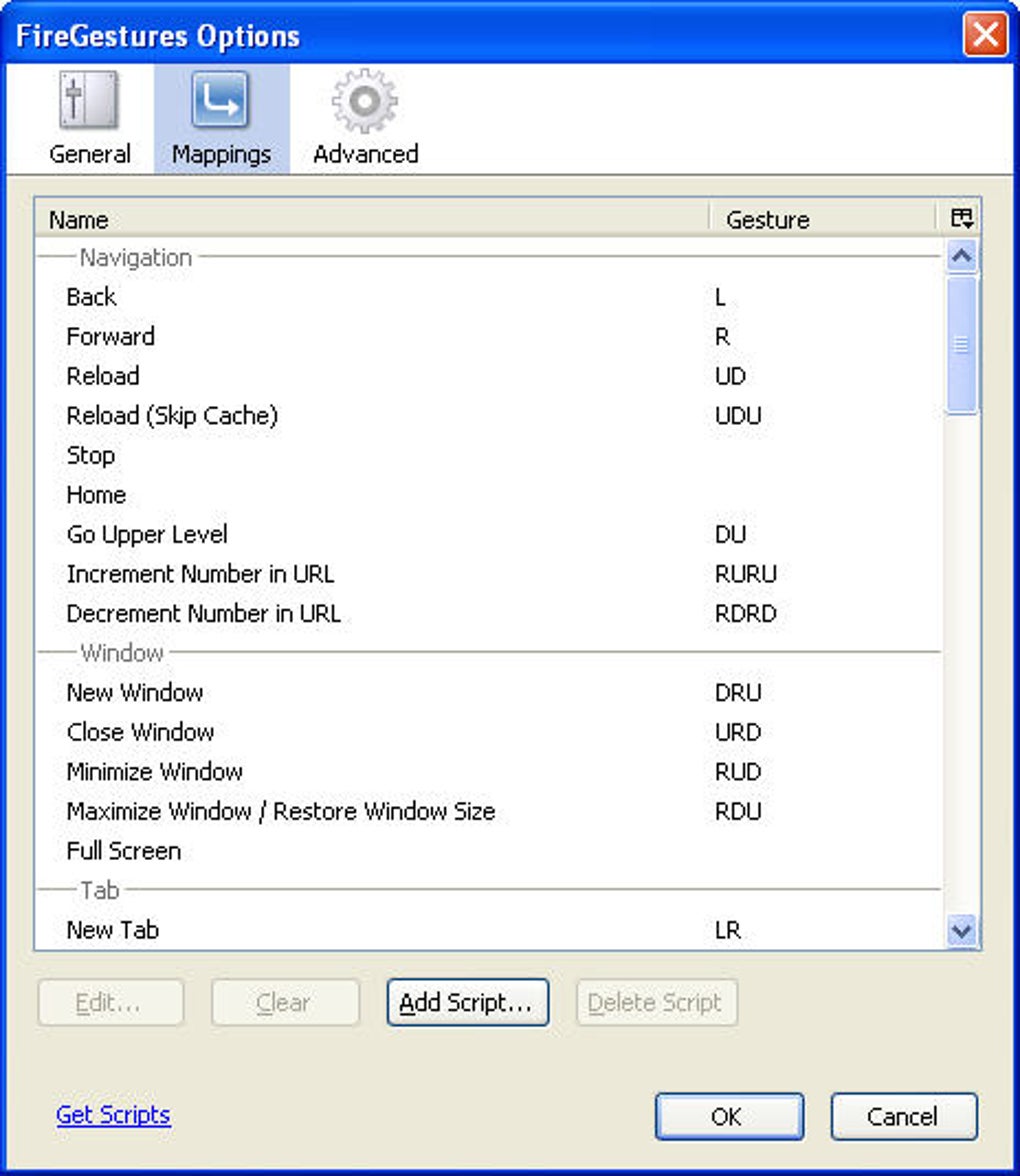
The built‑in gestures cover the basics that most users need on a daily basis. A left‑to‑right swipe moves you forward in your browsing history, while a right‑to‑left swipe goes back. An up‑to‑down motion opens the highlighted link in a new background tab, and a down‑to‑up gesture reloads the current page.
For more advanced control, you can assign gestures to actions like “Close Tab,” “Duplicate Tab,” “Pin Tab,” or even “Minimize Window.” The script editor, though not as beginner‑friendly as a graphical UI, allows you to write simple JavaScript snippets that define new gestures or override existing ones. This flexibility makes FireGestures a favorite among power users who want a truly personalized browsing environment. Additionally, the extension respects Firefox’s security model: gestures only trigger within the browser window and never on external sites, protecting you from accidental command execution on malicious pages.
Installation & Usage Instructions
Getting FireGestures up and running is straightforward. First, open Firefox and navigate to the official FireGestures page on Mozilla Add‑ons. Click the “Add to Firefox” button, confirm the permission request, and the extension will install automatically. After a brief reload of the browser, you’ll see the FireGestures icon appear in the toolbar. Click the icon to open the configuration panel where you can review the default gestures, enable or disable specific actions, and access the script editor.
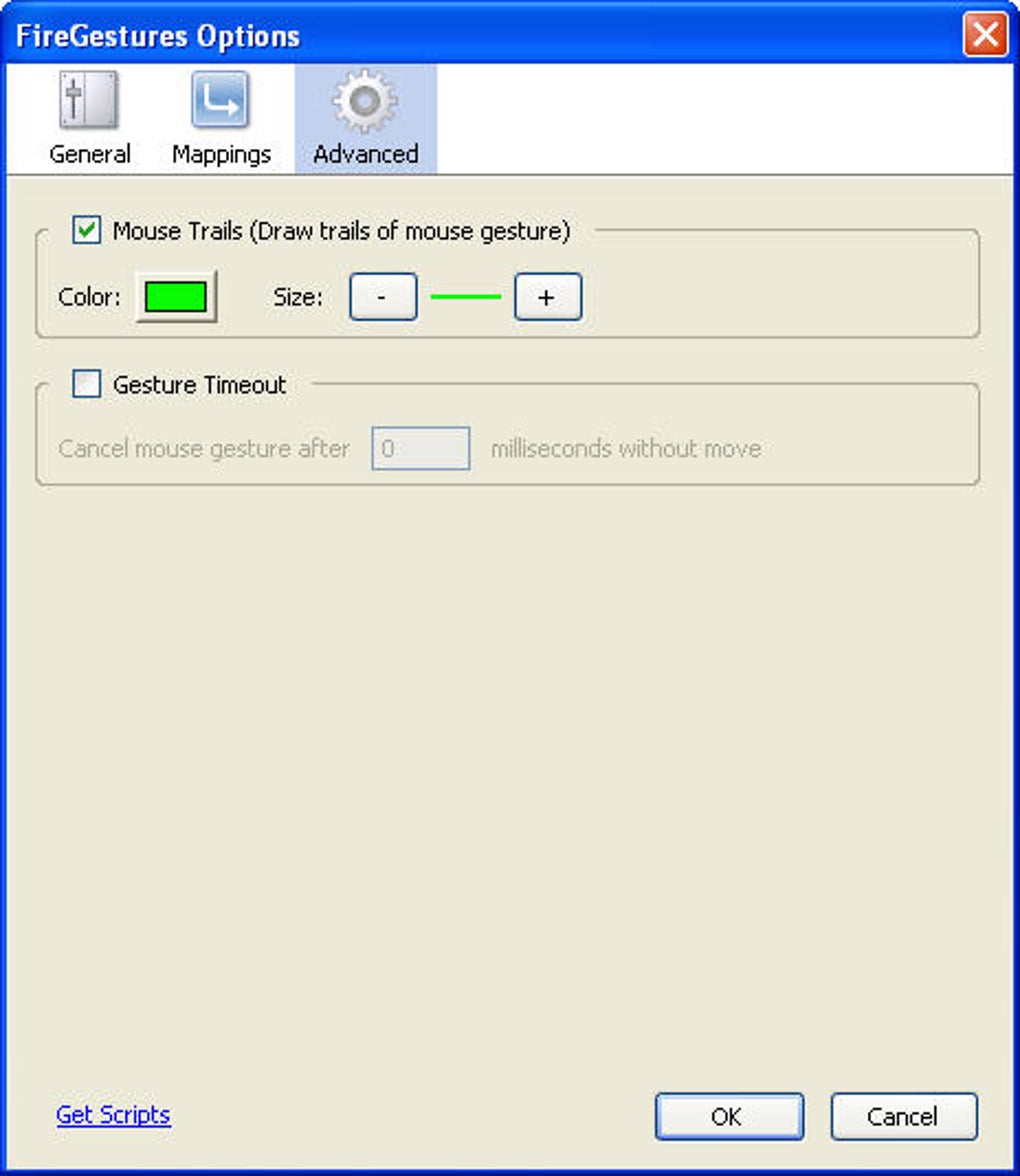
To use a gesture, simply press and hold the right mouse button anywhere on a webpage (except on input fields) and draw the desired pattern. Release the button to execute the associated command. The extension provides visual feedback: a faint line follows your cursor, and a small tooltip shows the recognized gesture name once you finish drawing. If a gesture is not recognized, the tooltip will display “No action,” allowing you to experiment without unintended consequences.
For custom gestures, open the “Scripts” tab in the settings panel. Here you’ll find a text area where each line follows the format gesture = action. For example, U = reload binds an upward swipe to a page reload. You can also reference built‑in functions such as openLinkInBackgroundTab() or write full JavaScript to interact with the DOM. After saving your script, test the new gesture immediately—if it doesn’t work, the console will log an error message to help you troubleshoot.
The extension also lets you assign keyboard shortcuts to gestures. In the “Keyboard” tab, choose a gesture from the dropdown and press the desired key combination (e.g., Ctrl + Shift + G). This hybrid approach is handy when you’re using a laptop trackpad that doesn’t support right‑button dragging. Finally, remember to periodically check the “Updates” section for bug fixes and new features; the developers push updates through the Mozilla Add‑ons platform, ensuring you always have the latest, most secure version.
Pros, Cons, and Frequently Asked Questions
Pros
- Speeds up navigation by reducing clicks and keystrokes.
- Highly customizable with script editor and keyboard bindings.
- Lightweight and does not degrade Firefox performance.
- Free and open‑source, with regular bug‑fix updates.
- Supports multiple operating systems through Firefox’s cross‑platform nature.
Cons
- Script editor has a learning curve for non‑technical users.
- Gestures may interfere with right‑click context menus if not configured properly.
- Limited visual customization for gesture feedback.
- Requires Firefox; not available for Chrome or Edge.
FAQ
Is FireGestures compatible with the latest Firefox version?
Yes. The developers release updates through Mozilla Add‑ons to ensure compatibility with every major Firefox release, including the ESR (Extended Support Release) channel.
Can I use FireGestures on macOS?
Absolutely. Because FireGestures runs inside Firefox, it works on any OS that supports the browser—Windows, macOS, and Linux alike.
Do gestures interfere with right‑click menus?
By default, gestures are triggered only while the right button is held down, which means the context menu does not appear. You can adjust this behavior in the settings if you prefer a different trigger.
Is there a way to backup my custom gestures?
Yes. All custom scripts are stored in Firefox’s profile folder. Export the firegestures.js file or copy the entire FireGestures folder to keep a backup.
Is FireGestures safe for privacy‑focused users?
FireGestures runs locally within the browser and does not send any data to external servers. Its open‑source nature lets you review the code, ensuring there are no hidden telemetry components.
Conclusion & Call to Action
If you spend a lot of time in Firefox and are looking for a way to streamline navigation, FireGestures offers a compelling solution that blends speed, customization, and a lightweight footprint. While the script editor may require a brief learning period, the productivity gains quickly outweigh the initial effort. Download FireGestures today, experiment with the default gestures, and then tailor the extension to match your personal browsing style. With regular updates and a supportive community, you’ll have a secure, free tool that keeps your hands on the mouse—and your workflow moving forward.
Ready to boost your browsing efficiency? Click here to download FireGestures for free and start navigating Firefox with just a swipe.







